


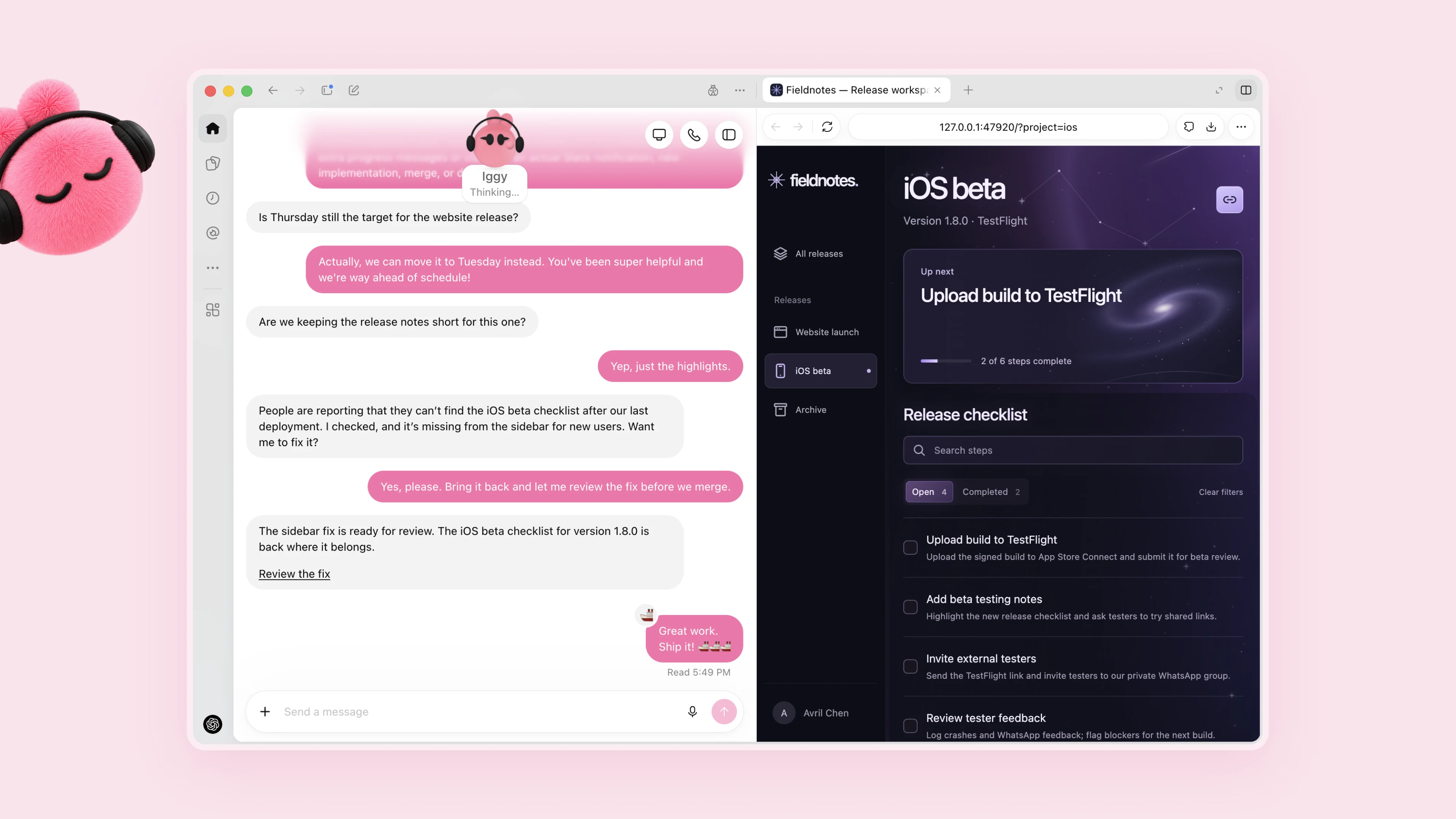
OpenAI’s biggest change at DevDay is not another model: it is Dots, personal agents meant to take responsibility for ongoing work. Powered by the existing GPT-6 Astra, each dot gets a cloud computer, connected apps and context that carries between conversations. The proposition is to leave it a goal, rather than keep returning with the next instruction.
OpenAI gives a useful example from an early tester: his dot noticed an invoice he had forgotten to send, prepared it and sent it after he approved. Inside the company, OpenAI says dots investigate bugs raised in Slack and turn new designs into working apps. These are company-reported examples, not independent evidence that the agents reliably handle whole jobs.
You can reach a dot through ChatGPT, Slack or Microsoft Teams. OpenAI is also piloting specialist dots for companies, with their own credentials and defined responsibilities, rather than simply acting through an employee’s accounts.
Who gets one, and what counts against usage
Dots are rolling out to Pro subscribers outside the European Economic Area, Switzerland and the UK, and to Business Premium across supported ChatGPT regions. Enterprise gets an administrator-enabled beta, off by default. Access may take several days; users must be at least 18.
Setup requires the desktop app or a desktop browser. Mobile-app conversations follow where available, but mobile web is not supported. Access to your own computer is optional and starts switched off.
The first dot is included at no extra charge on Pro and Business Premium. OpenAI’s help page says dots usage will not consume eligible customers’ plan allowances for the next month, with later terms still to come. But this is not unlimited free work: the launch page says tasks a dot starts or manages in Codex or ChatGPT Work still count toward those products’ usage limits. Conversations with the dot do not.
Always on does not mean permission to do anything
OpenAI separates a dot’s unsolicited background research from its authorized tasks. Research tools can read permitted sources and save notes, but cannot directly send messages, change connected-app content or operate a browser or computer. Follow-up actions must pass the usual checks.
A separate system, Auto-review, checks actions such as sending emails or editing files against the user’s instructions and safety rules. OpenAI says those controls sit outside the environment the dot can modify. Users can add rules such as never sending email; some sensitive actions, including changing passwords and transferring money between financial accounts, must be handed back to them.
Those are protections, not a guarantee. OpenAI’s dots safety appendix acknowledges remaining vulnerabilities that it says generally required elaborate setup or permissive prompts. Its multi-task tests also found cases of information crossing between unrelated tasks or edits exceeding the intended scope. These were evaluations, not reports of customer incidents.
There is a practical privacy limitation, too: disconnecting an app does not erase what a dot has already learned. OpenAI says users cannot currently inspect, edit or delete individual dot memories; deleting the dot clears its own context. ChatGPT memories and files stored elsewhere have separate controls. On personal plans, the model-improvement setting governs whether eligible conversations and work can be used for training.
The rest of DevDay makes work more persistent
The surrounding launches follow the same direction:
- ChatGPT Space and Pages put project files and editable, collaborative documents together. Space replaces Library for eligible accounts, but existing Projects remain separate.
- Codex Cloud adds reusable development environments accessible from desktop, web or mobile. Each task still gets an isolated workspace, and work can continue while the laptop sleeps.
- Pro 500, a new $500-a-month tier, adds Astra Ultrafast in Work and Codex. Among Pro plans, that faster service is exclusive to the new tier; buying credits on cheaper Pro plans does not unlock it.
OpenAI also released GPT-6.1 Sol, covered separately. Dots is the more consequential change in how people use the tools: asking AI to keep track of a responsibility, not just finish a request. Whether it saves attention will depend as much on how often users must correct it as on how much it can do.